
15 January 2026
Top 10 UI Libraries for TanStack in 2026
Building data-rich applications with TanStack? Pair it with the right UI library to supercharge your development. Here are the top 10 UI libraries for TanStack in 2026.
Dov Azencot
@DovAzencotTanStack has become the gold standard for building data-intensive React applications. Whether you're using TanStack Query for server state management, TanStack Table for powerful data grids, or TanStack Form for type-safe forms, one thing is clear: you need a solid UI library to bring it all together.
The beauty of TanStack is that it's headless by design, giving you complete control over your UI. But with so many UI libraries out there, which ones work best with the TanStack ecosystem? Below are the top 10 UI libraries in 2026 that pair perfectly with TanStack to help you build beautiful, performant, and accessible applications.
1. Neobrutalism
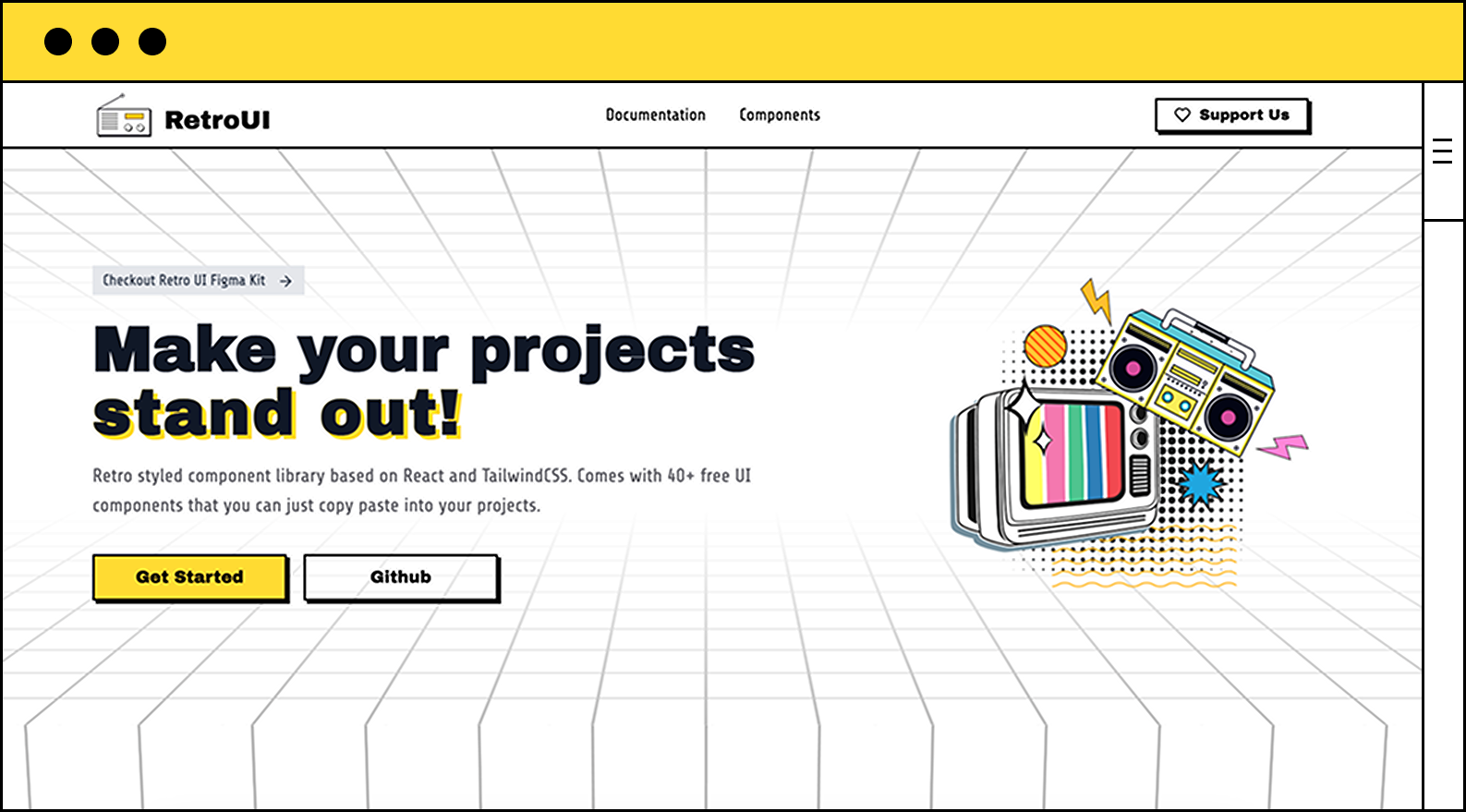
If you're tired of boring, cookie-cutter dashboards and data tables, Neobrutalism is here to shake things up. It combines retro aesthetics with modern design principles to create interfaces that actually stand out. Built with React and Tailwind CSS, Neobrutalism integrates seamlessly with TanStack's headless approach.
Neobrutalism comes with 100+ utility components that you can copy-paste directly into your TanStack projects. Whether you're building data-heavy dashboards with TanStack Table or complex forms with TanStack Form, Neobrutalism's bold design language makes your app memorable.
Why use Neobrutalism with TanStack in 2026?
- Headless-Friendly: Neobrutalism's components work perfectly with TanStack's headless architecture, giving you full control over data logic while maintaining stunning visuals.
- Bold Design System: Stand out from the sea of generic admin panels and dashboards with Neobrutalism's unique neo-brutalist aesthetic.
- Tailwind Integration: Built on Tailwind CSS, making it easy to customize and extend alongside TanStack components.
- MCP Server Support: Native integration with Model Context Protocol for AI-assisted development.
Drawbacks
- Bold Aesthetic: Neobrutalism's distinctive design might not fit every use case, especially conservative enterprise environments.
- Growing Ecosystem: As a newer library, it has a smaller community compared to established players.
Use Case
Perfect for developers building TanStack-powered SaaS apps, admin dashboards, or data-rich applications that need to stand out from the competition. If you want your TanStack Table implementations to look as powerful as they function, Neobrutalism is your answer.
2. Shadcn/ui
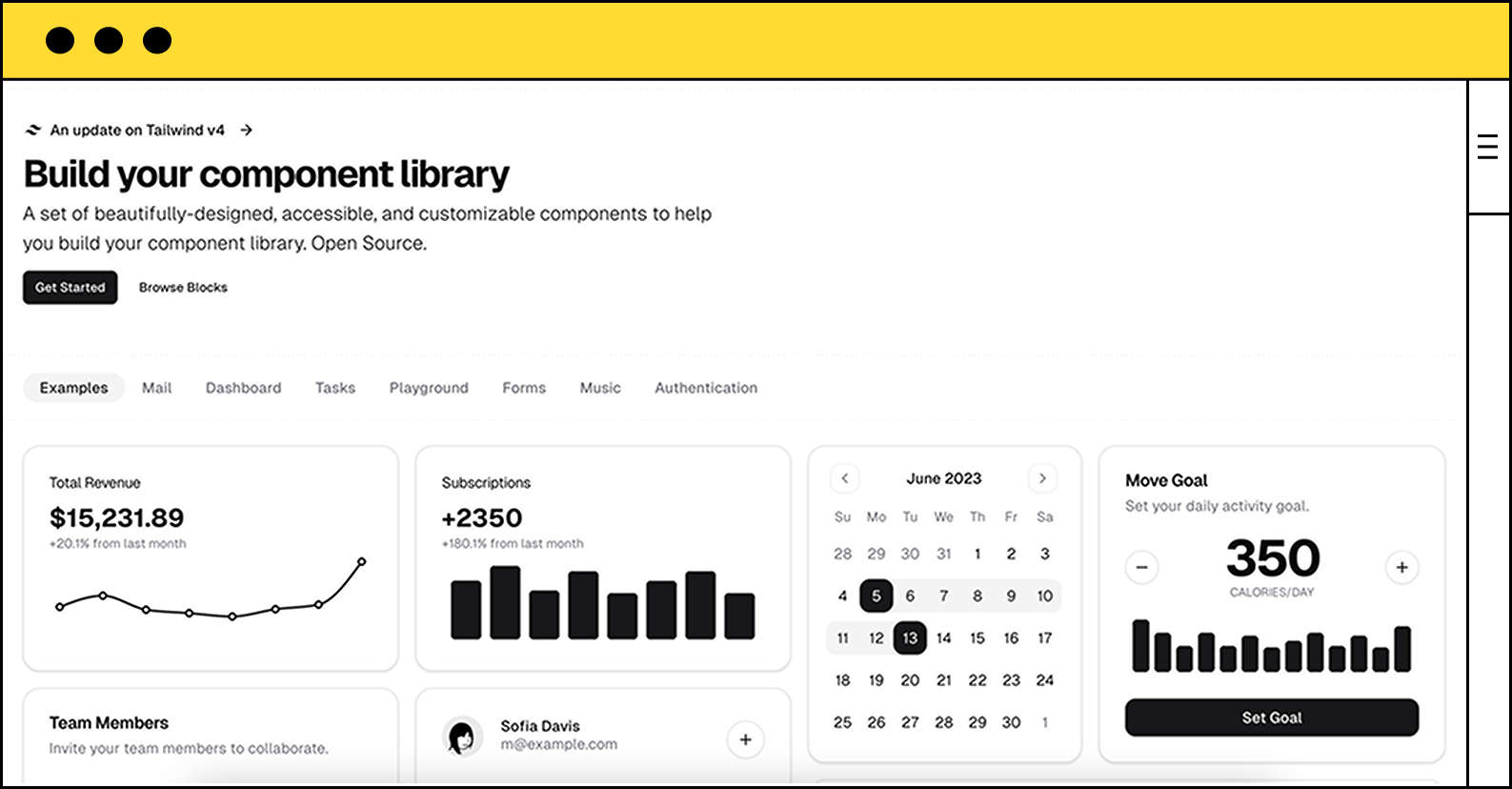
Shadcn/ui has become the de facto choice for developers working with headless libraries like TanStack. Built on Radix UI primitives and Tailwind CSS, it provides a perfect foundation for TanStack Query, Table, and Form implementations.
Why shadcn/ui with TanStack in 2026?
- Perfect Pairing: Shadcn/ui's headless approach mirrors TanStack's philosophy, giving you complete control over both data and presentation.
- Radix UI Foundation: Built on accessible primitives that work seamlessly with TanStack Table's row selection and expansion features.
- TypeScript-First: Fully typed components that complement TanStack's excellent TypeScript support.
- TanStack Table Examples: The shadcn/ui documentation includes extensive TanStack Table integration examples and templates.
import { useReactTable } from "@tanstack/react-table"
import { Table } from "@/components/ui/table"
// Perfect integration with shadcn/ui table componentsDrawbacks
- Manual Setup: You need to copy components into your project, which can be tedious for large implementations.
- Styling Overhead: Requires comfort with Tailwind CSS for customization.
Use Case
Ideal for developers building custom TanStack-powered applications who want clean, accessible components with full styling control. Especially great for data-heavy dashboards using TanStack Table.
3. Mantine
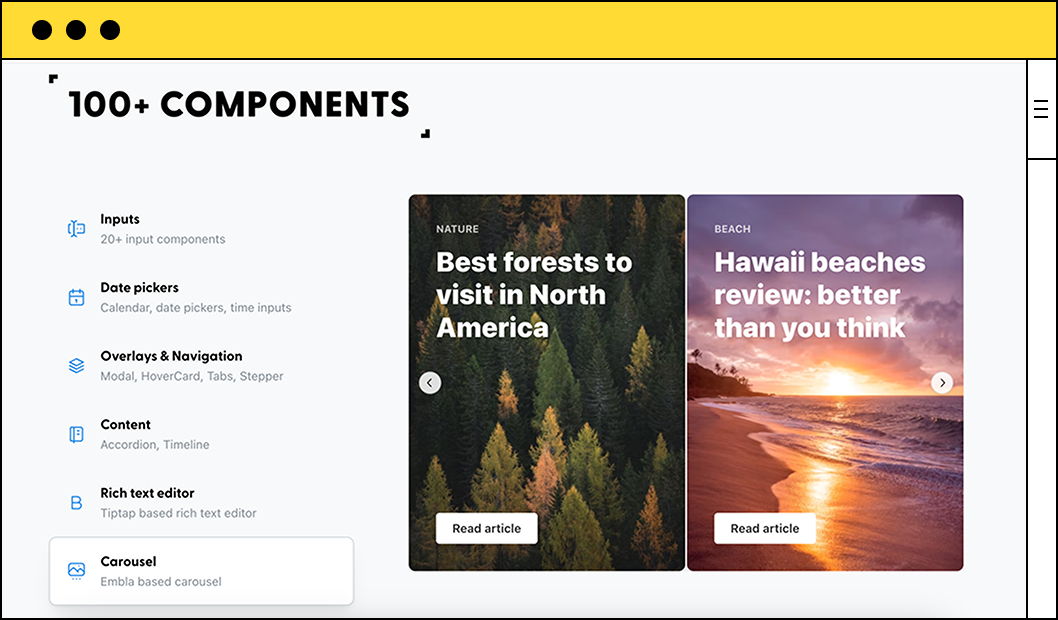
Mantine is a comprehensive React component library that's become incredibly popular in the TanStack community. With built-in data table components, form libraries, and extensive hooks, Mantine offers one of the smoothest TanStack integration experiences available.
Why Mantine with TanStack in 2026?
- Native TanStack Support: Mantine provides first-class integration examples for TanStack Query, Table, and Form.
- Mantine React Table: The official
mantine-react-tablepackage is built on TanStack Table and offers advanced features out of the box. - Rich Hooks Library: Over 80 hooks that complement TanStack's utilities for state management and data fetching.
- Form Integration: Mantine's form library works beautifully alongside TanStack Form for complex validation scenarios.
- TypeScript Excellence: Fully typed with excellent IntelliSense support.
import { MantineReactTable } from 'mantine-react-table';
// Built on TanStack Table with Mantine styling
<MantineReactTable columns={columns} data={data} />Drawbacks
- Bundle Size: Feature-rich comes at a cost in terms of bundle size.
- Opinionated Styling: Mantine's styling system might conflict if you prefer pure Tailwind approaches.
Use Case
Perfect for developers who want a complete UI toolkit that's specifically designed to work with TanStack. Ideal for building admin panels, dashboards, and data-intensive applications quickly.
4. Material UI (MUI)
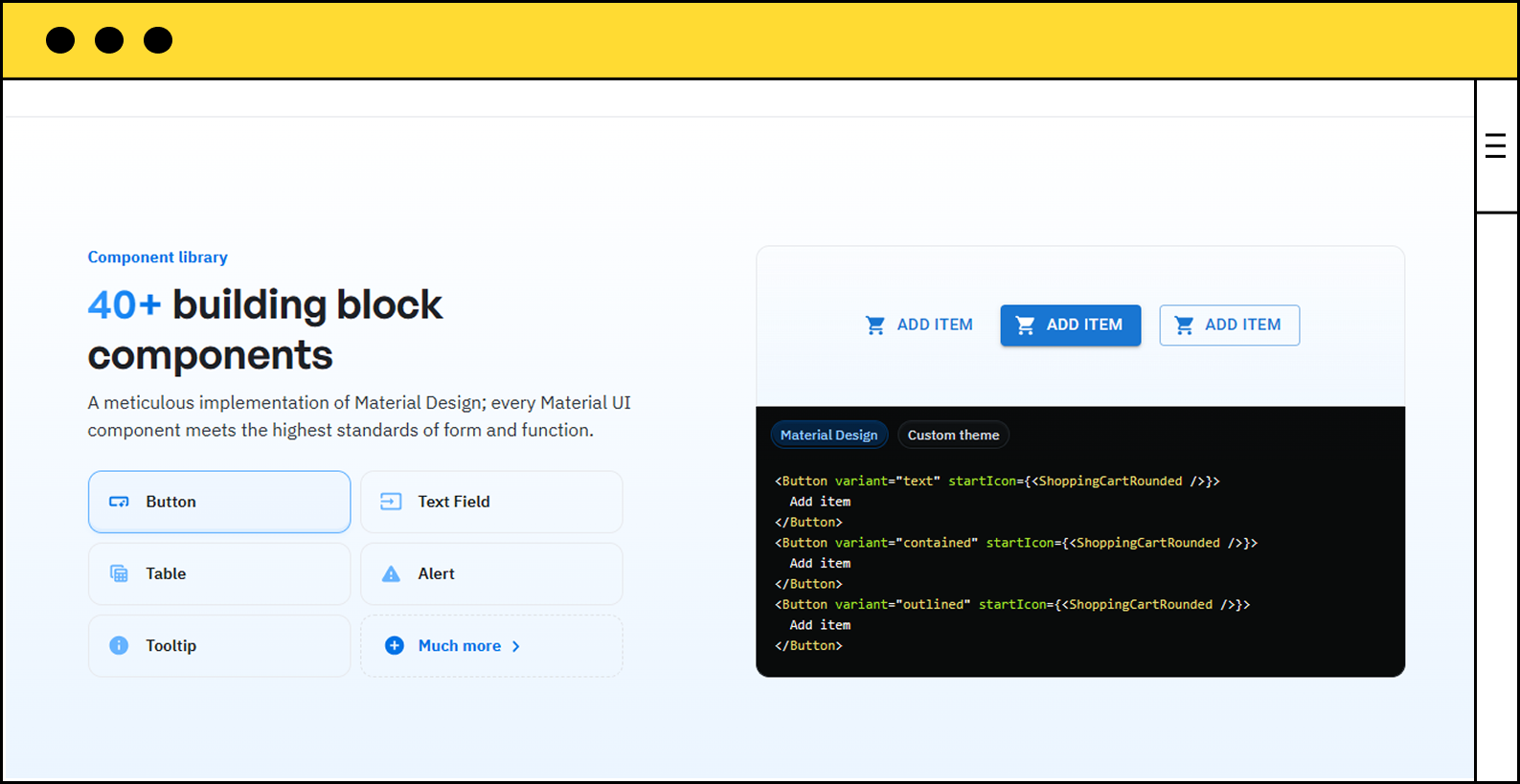
Material UI remains a powerhouse for enterprise applications, and its integration with TanStack is top-notch. MUI X Data Grid can be combined with TanStack Query for powerful data management, while the base components work seamlessly with all TanStack libraries.
Why MUI with TanStack in 2026?
- Material React Table: The
material-react-tablepackage combines MUI components with TanStack Table's powerful API. - Enterprise Features: MUI X Data Grid complements TanStack Query perfectly for complex data scenarios.
- Mature Ecosystem: Extensive documentation and examples for TanStack integrations.
- Professional Design: Material Design provides a polished, enterprise-ready look for TanStack applications.
- Advanced Components: Date pickers, autocompletes, and other complex inputs that work great with TanStack Form.
import { MaterialReactTable } from 'material-react-table';
// TanStack Table + Material UI components
<MaterialReactTable columns={columns} data={data} />Drawbacks
- Heavy Bundle: MUI can significantly increase your application's bundle size.
- Styling Complexity: Customizing MUI components can be verbose compared to Tailwind-based libraries.
Use Case
Best for enterprise applications where Material Design is required or preferred. Excellent for building complex dashboards and data grids powered by TanStack Query and Table.
5. Chakra UI
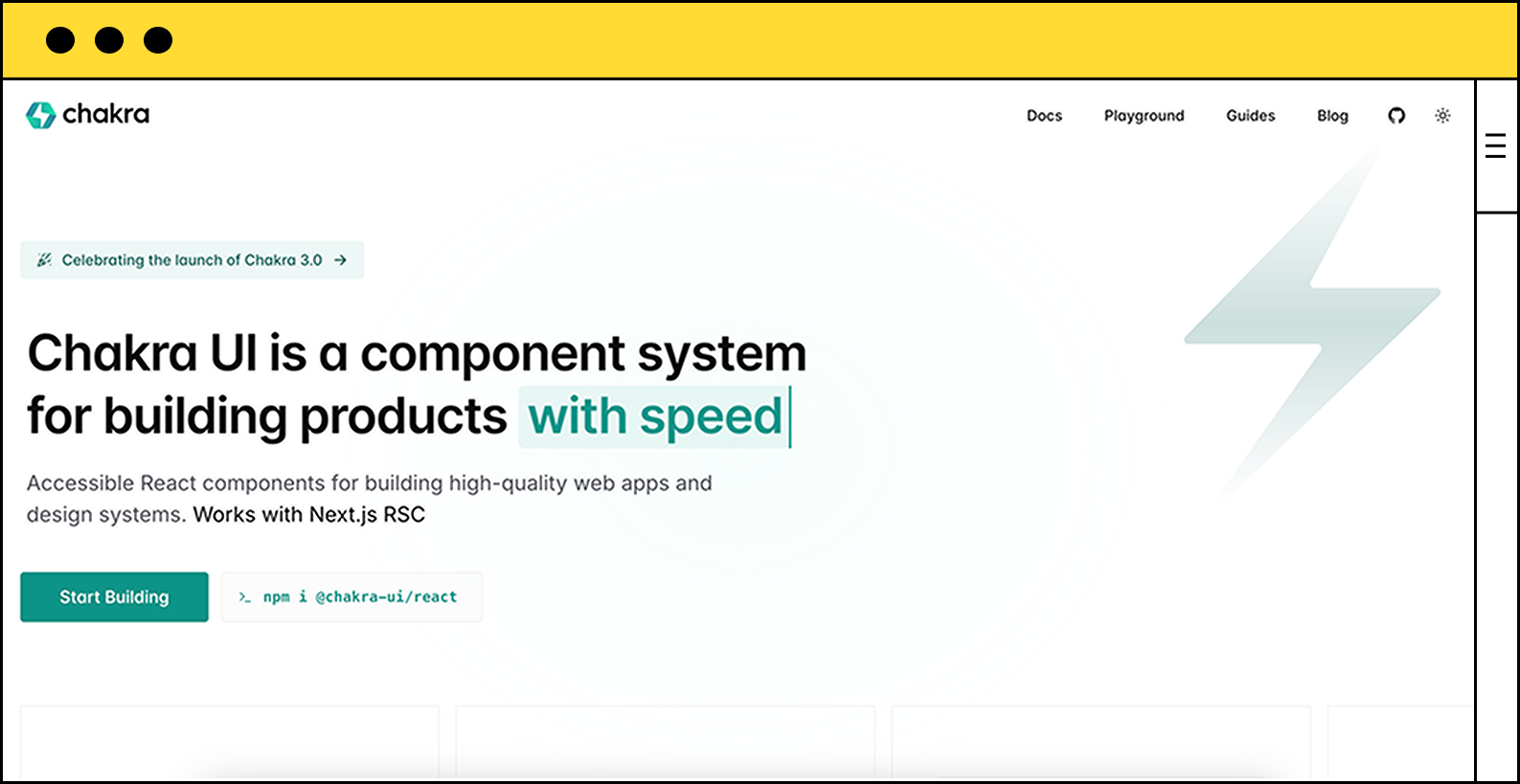
Chakra UI is beloved for its accessibility-first approach and developer-friendly API. It pairs exceptionally well with TanStack libraries, especially for building forms with TanStack Form and data displays with TanStack Table.
Why Chakra UI with TanStack in 2026?
- Accessibility First: All components are WAI-ARIA compliant, perfect for building accessible TanStack Table implementations.
- Composable Components: Chakra's composable nature aligns perfectly with TanStack's headless architecture.
- Dark Mode Support: Built-in dark mode that works seamlessly with TanStack components.
- Form Integration: Chakra's form components integrate smoothly with TanStack Form's validation logic.
- Active Community: Large community with many TanStack integration examples and tutorials.
import { Table, Thead, Tbody, Tr, Th, Td } from '@chakra-ui/react'
import { useReactTable } from '@tanstack/react-table'
// Clean integration with TanStack TableDrawbacks
- Bundle Size: Chakra UI adds significant weight to your application.
- Different Styling Paradigm: Uses prop-based styling instead of utility classes.
Use Case
Perfect for developers who prioritize accessibility and want a polished UI library that integrates smoothly with TanStack. Great for building accessible data tables and forms.
6. Radix UI
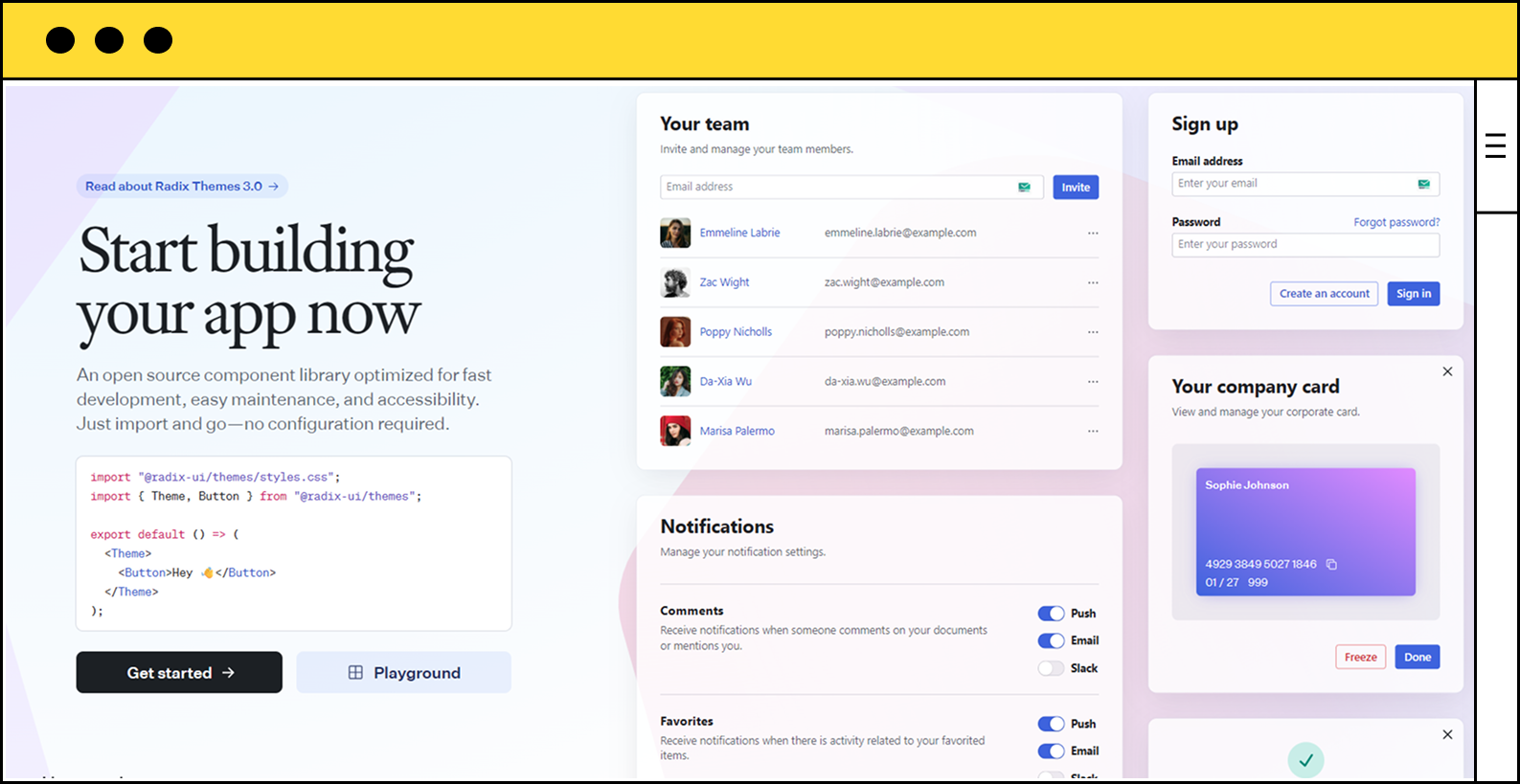
Radix UI is the foundation for many modern UI libraries (including shadcn/ui), and it's a natural fit for TanStack. As a headless primitive library, it provides the perfect building blocks for custom TanStack implementations.
Why Radix UI with TanStack in 2026?
- Headless Philosophy: Both Radix and TanStack are headless, giving you complete control over styling and behavior.
- Accessibility Primitives: Use Radix's accessible components for TanStack Table actions, dialogs, and dropdowns.
- Zero Styling Conflicts: Since it's unstyled, you can use any CSS approach with your TanStack components.
- Composable: Build exactly what you need without unnecessary abstractions.
- TanStack's Choice: Many official TanStack examples use Radix UI primitives.
import * as Dialog from '@radix-ui/react-dialog'
import { useQuery } from '@tanstack/react-query'
// Perfect for building custom TanStack-powered UIsDrawbacks
- Requires Styling: You must style everything yourself, which increases initial setup time.
- Not a Complete Kit: Doesn't provide all component types you might need.
Use Case
Ideal for developers building custom design systems with TanStack who want full control over styling and behavior. Perfect for teams with dedicated design resources.
7. Ant Design
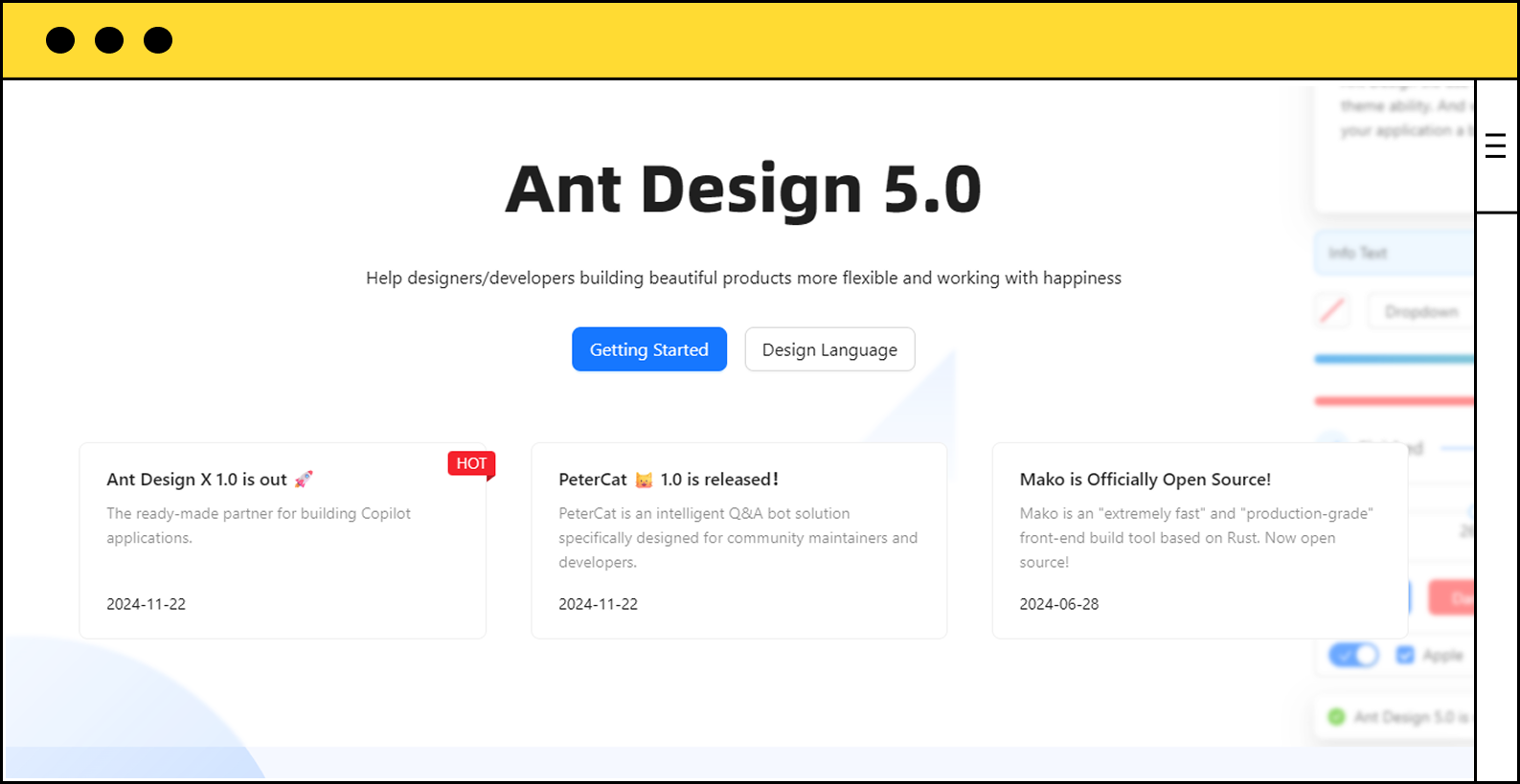
Ant Design is a comprehensive enterprise UI library that offers powerful data table and form components. While it has its own table implementation, it can be combined with TanStack Query for server state management in complex applications.
Why Ant Design with TanStack in 2026?
- Enterprise-Ready Components: Ant Design's complex components (tables, forms, charts) work well with TanStack Query for data fetching.
- ProComponents: Ant Design Pro offers advanced table and form components that can leverage TanStack Query.
- Internationalization: Built-in i18n support that complements TanStack's global state management.
- Rich Form Validation: Ant Design Form can be combined with TanStack Query for server-side validation.
- Complete Ecosystem: Everything you need for enterprise dashboards in one package.
import { Table } from 'antd'
import { useQuery } from '@tanstack/react-query'
// Use TanStack Query for data, Ant Design for presentation
const { data } = useQuery({ queryKey: ['users'], queryFn: fetchUsers })
<Table dataSource={data} columns={columns} />Drawbacks
- Heavy Bundle: One of the largest UI libraries in terms of bundle size.
- Less Headless-Friendly: Ant Design's opinionated components may conflict with TanStack's headless approach.
Use Case
Best for large enterprise applications where you need a comprehensive component library and are using TanStack primarily for server state management rather than custom table implementations.
8. Ark UI
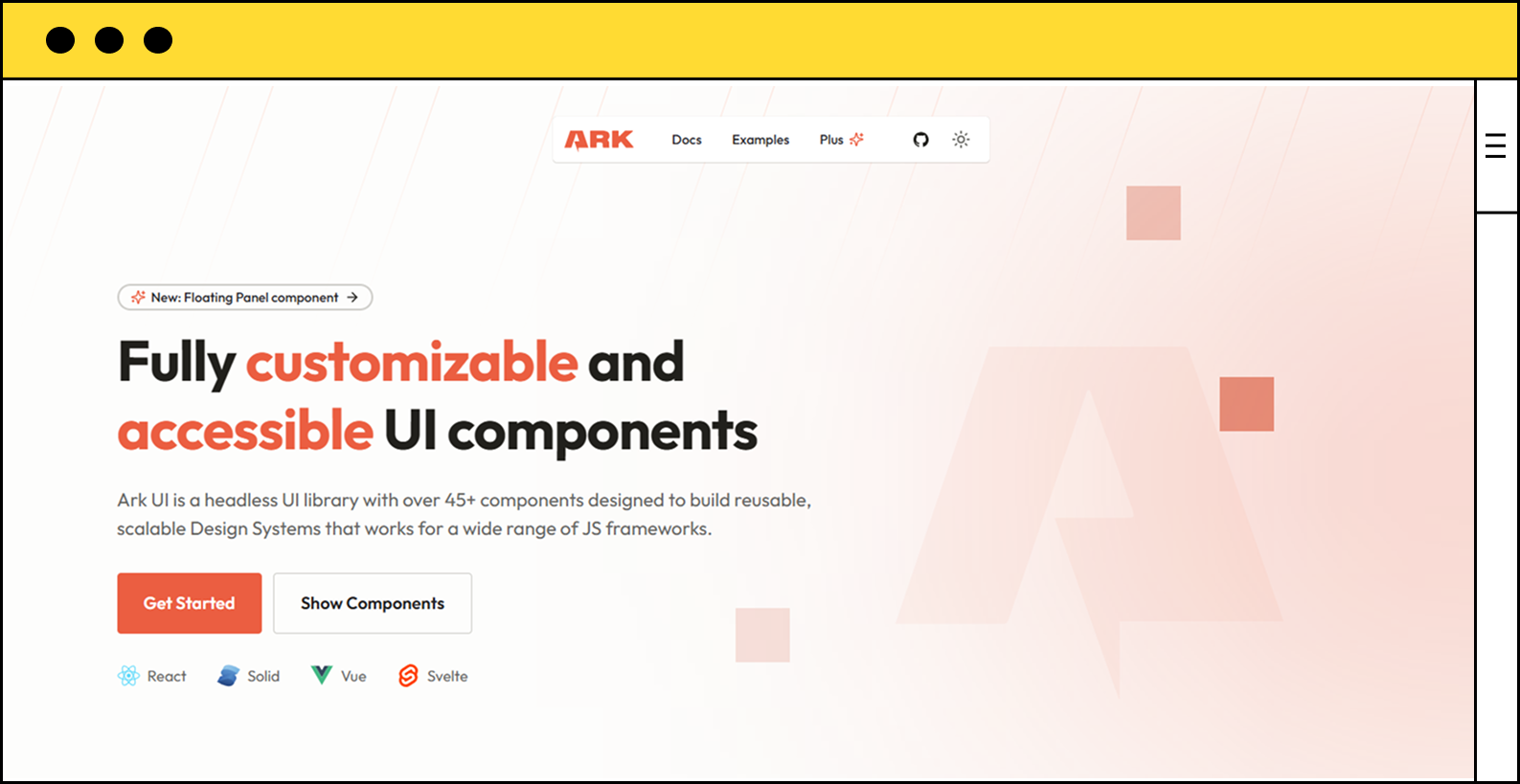
Ark UI is created by the Chakra UI team and represents the future of headless component libraries. It's framework-agnostic and pairs beautifully with TanStack's headless approach.
Why Ark UI with TanStack in 2026?
- Headless Architecture: Perfect match for TanStack's headless philosophy.
- Framework Agnostic: Like TanStack, Ark UI works with React, Vue, Solid, and more.
- Accessibility First: All components are WAI-ARIA compliant out of the box.
- State Machines: Built with state machines for predictable behavior that complements TanStack's state management.
- Zero Runtime Styles: Bring your own styling solution, whether Tailwind, CSS-in-JS, or vanilla CSS.
import { Portal, Dialog } from '@ark-ui/react'
import { useMutation } from '@tanstack/react-query'
// Headless + headless = total controlDrawbacks
- No Default Styling: Requires more setup than styled libraries.
- Smaller Component Library: Still growing compared to more mature options.
Use Case
Perfect for teams building custom design systems with TanStack who want modern, accessible primitives without styling opinions.
9. DaisyUI
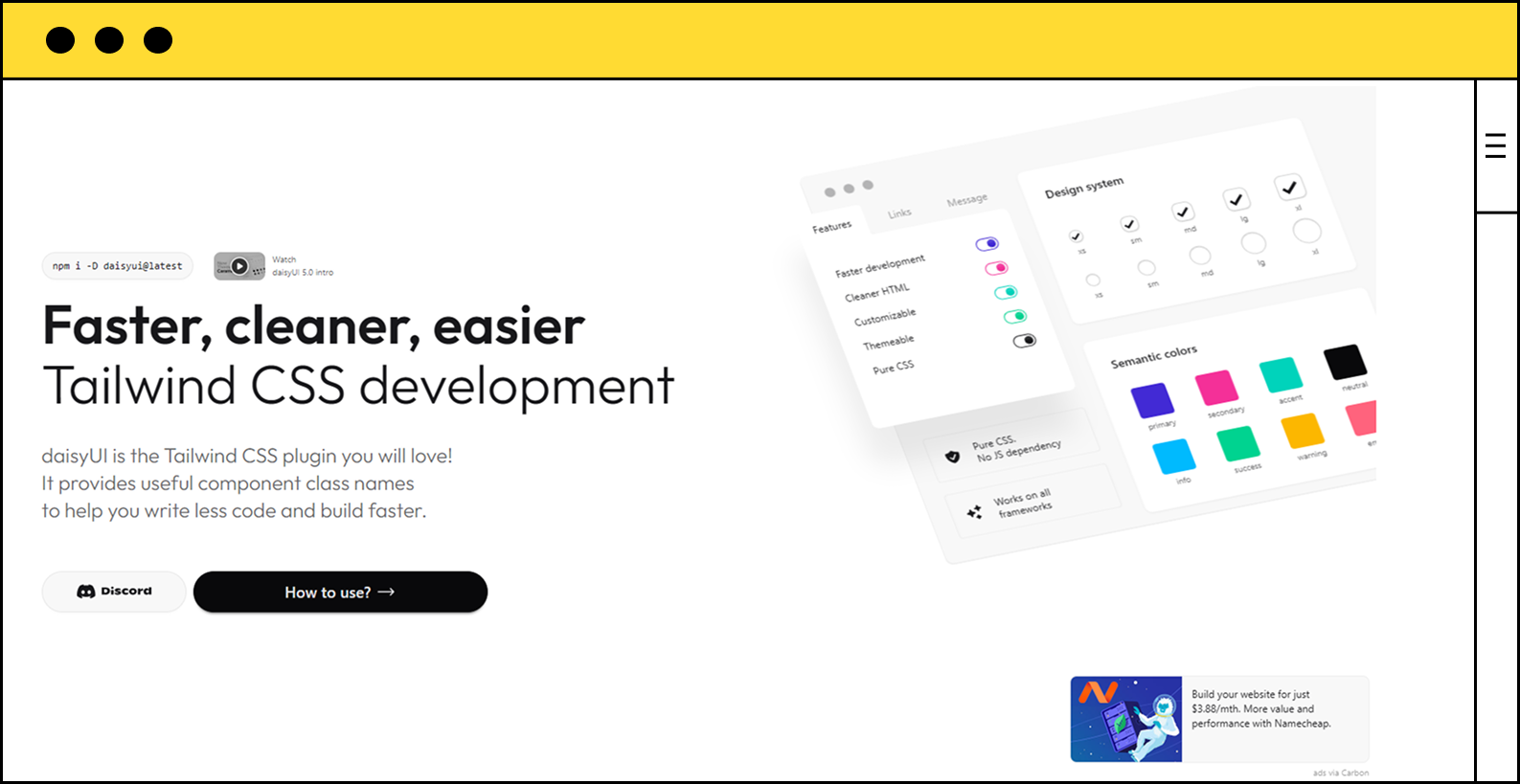
DaisyUI is a Tailwind CSS plugin that provides beautiful, pre-styled components perfect for rapid prototyping with TanStack. It's lightweight, theme-able, and integrates seamlessly with TanStack's headless components.
Why DaisyUI with TanStack in 2026?
- Tailwind Native: Built directly on Tailwind CSS, making it easy to style TanStack Table cells and rows.
- Lightweight: Minimal JavaScript overhead since it's mostly CSS classes.
- Multiple Themes: Swap entire themes easily for your TanStack-powered applications.
- Fast Prototyping: Quickly build beautiful UIs for TanStack Query and Table implementations.
- No Framework Lock-In: Just CSS classes that work with any TanStack setup.
import { useReactTable } from '@tanstack/react-table'
// Use DaisyUI classes for styling TanStack Table
<table className="table table-zebra">
{/* TanStack Table rows */}
</table>Drawbacks
- Limited Interactivity: DaisyUI is mostly presentational; you'll handle all logic with TanStack.
- Basic Components: Doesn't include complex components like data grids or advanced forms.
Use Case
Ideal for developers who want to prototype quickly with TanStack while using Tailwind CSS. Perfect for MVPs and projects where speed to market is crucial.
10. Park UI

Park UI is a beautifully designed component library built on Ark UI (headless components) and Panda CSS. It represents the modern approach to building UI libraries and works exceptionally well with TanStack's ecosystem.
Why Park UI with TanStack in 2026?
- Built on Ark UI: Inherits Ark UI's excellent headless architecture, perfect for TanStack integration.
- Zero Runtime CSS: Uses Panda CSS for build-time style generation, resulting in minimal runtime overhead.
- Modern DX: Excellent developer experience with TypeScript support and VS Code integration.
- Accessible by Default: All components are accessible, making your TanStack applications inclusive.
- Beautiful Defaults: Stunning default styles that you can easily customize for your TanStack apps.
import { Table } from '@park-ui/react'
import { useReactTable } from '@tanstack/react-table'
// Modern, accessible, and performantDrawbacks
- Newer Library: Smaller community and fewer resources compared to established libraries.
- Panda CSS Learning Curve: Requires learning Panda CSS if you're not familiar with it.
Use Case
Perfect for developers who want cutting-edge tooling and beautiful defaults for their TanStack applications. Great for modern web apps that prioritize performance and developer experience.
Conclusion
Choosing the right UI library for your TanStack project depends on your specific needs. If you want something bold and unique, Neobrutalism is your answer. For maximum control, shadcn/ui or Radix UI are excellent choices. If you need a complete toolkit, Mantine or Material UI have you covered. And if you're building enterprise applications, Ant Design or Chakra UI provide comprehensive solutions.
The beauty of TanStack is that it's headless, meaning it works seamlessly with any of these libraries. Pick the one that matches your design vision and development style, and let TanStack handle the heavy lifting of data management, table rendering, and form validation.
Happy building! 🚀