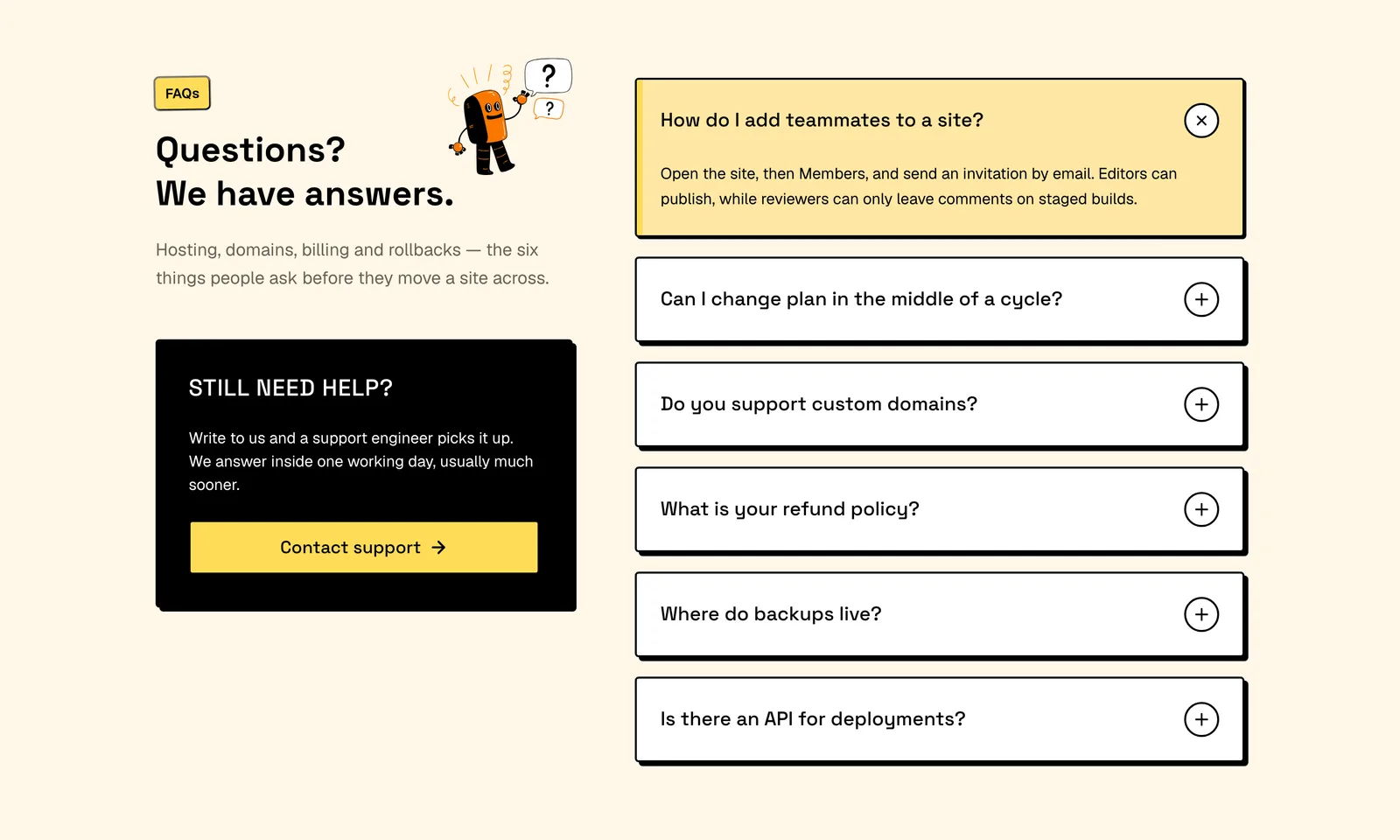
More FAQ layouts (9)
View all- 01Pro
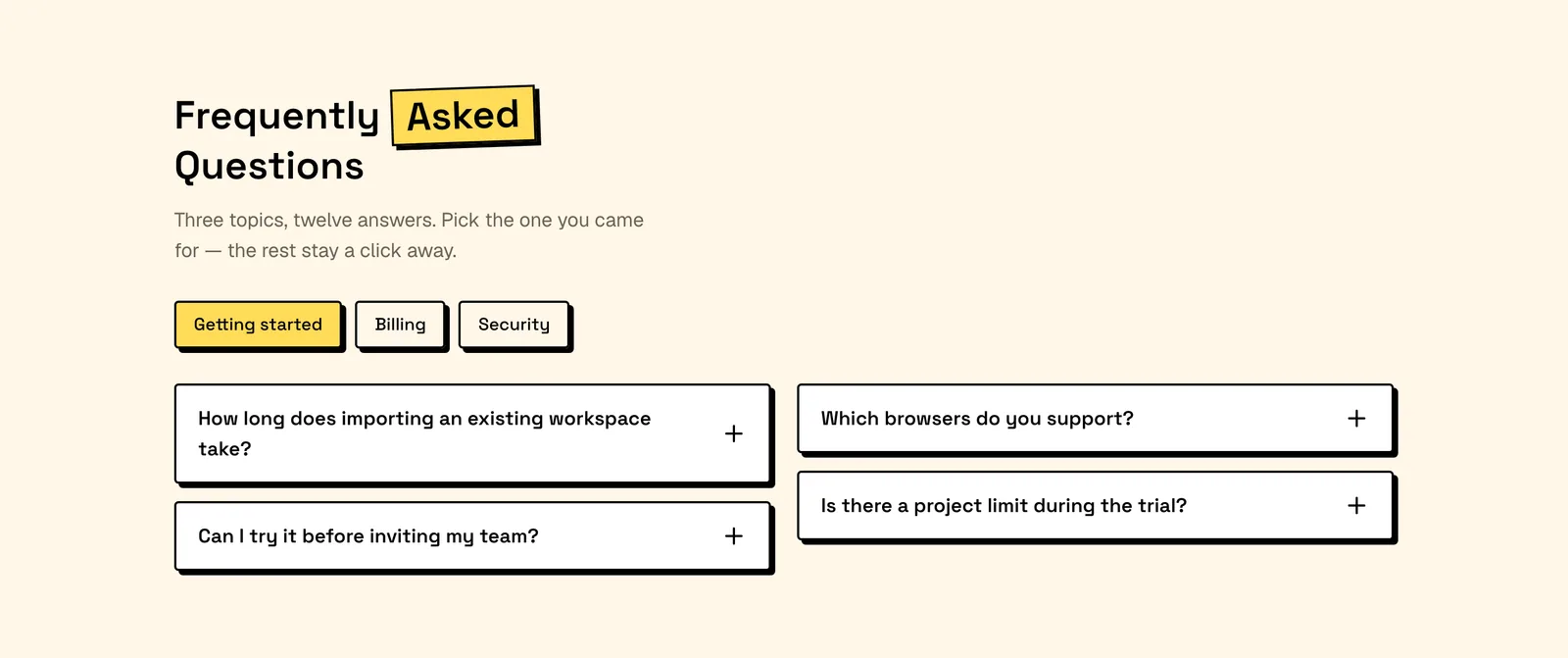
Categorised FAQ Columns
Topic buttons filter a dozen questions into a balanced two column grid, with every topic left in the HTML. React and Tailwind: rename the topics and ship.
- 02Pro
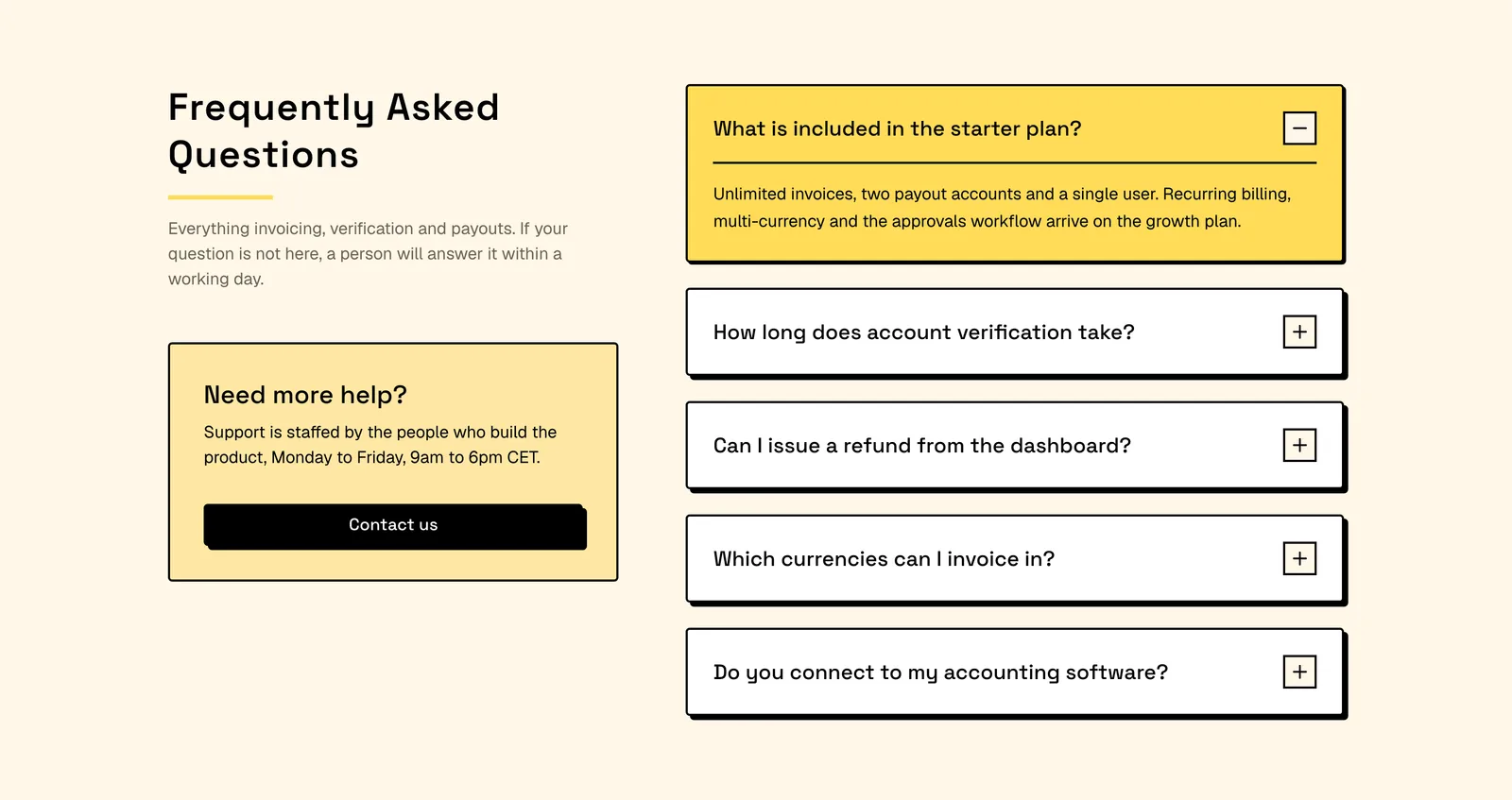
FAQ With Support Card
A standing support card anchors the intro column while the open question fills with your brand colour. React and Tailwind: wire the contact button up.
- 03Pro
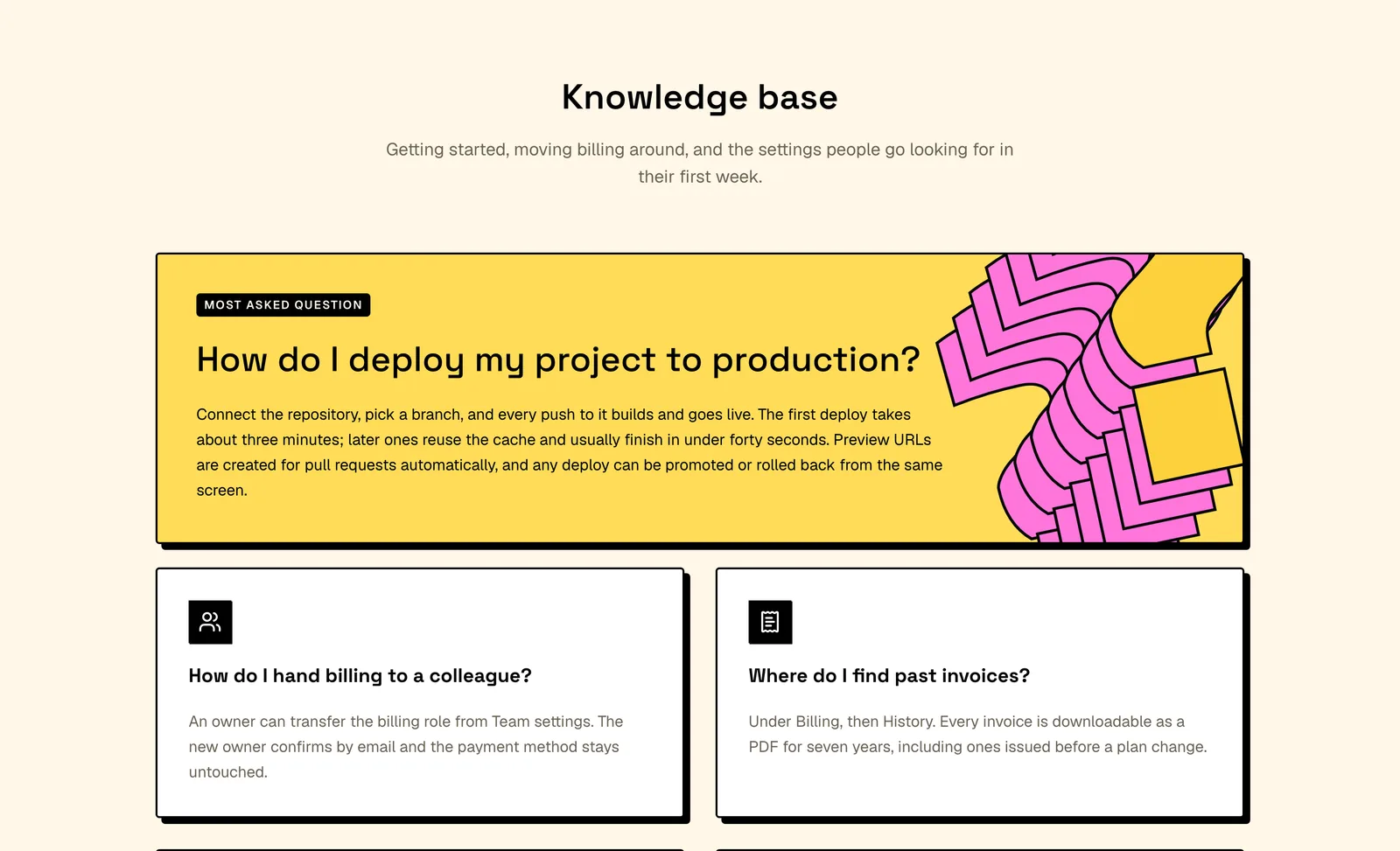
Featured Question FAQ
One most asked question takes a full width brand card above four icon cards whose answers never collapse. React and Tailwind: promote your own top question.
- 04Pro
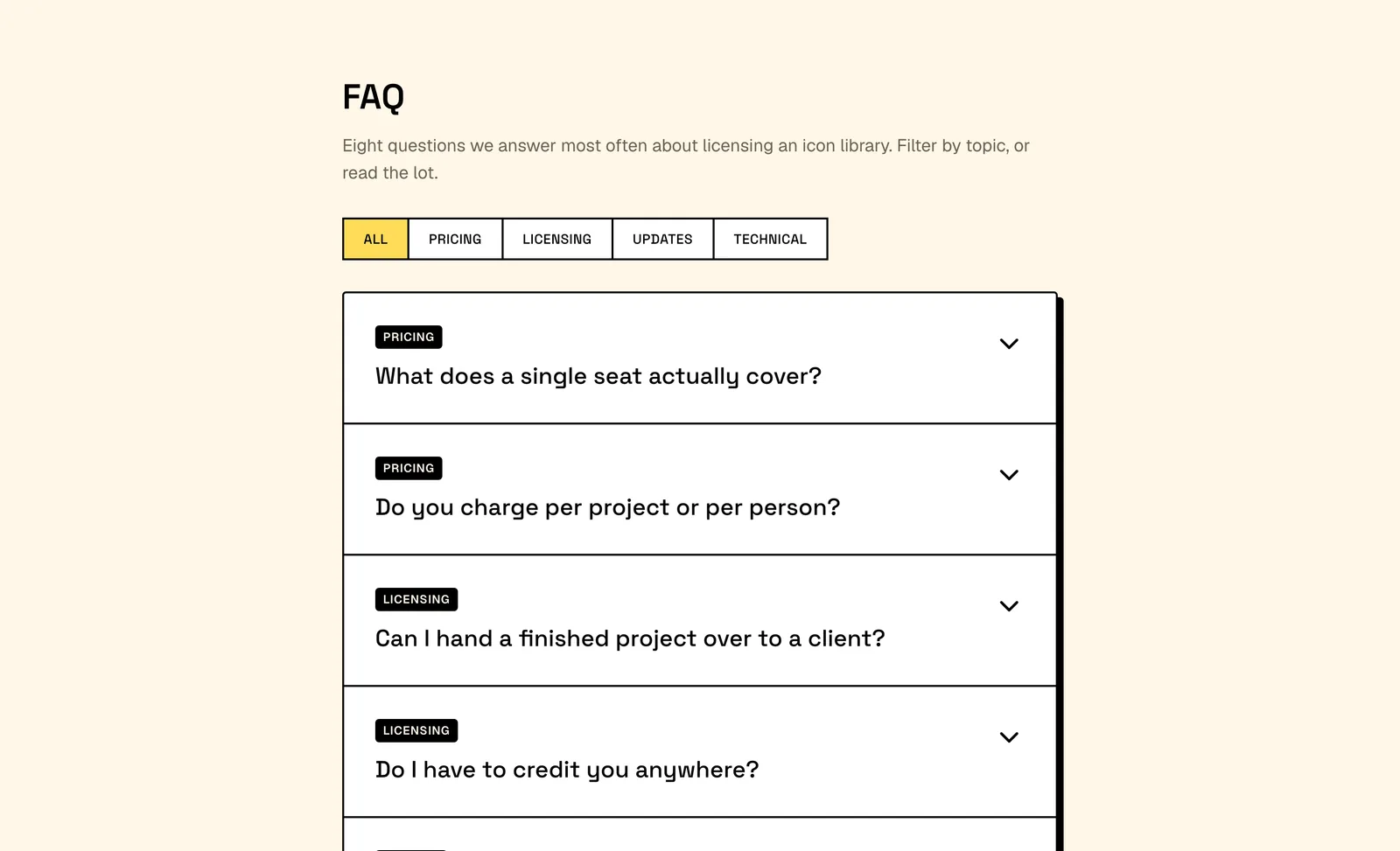
Filterable FAQ List
A joined segmented control filters eight rows inside one bordered panel, each tagged with its category. React and Tailwind: relabel the topics and go.
- 05Pro
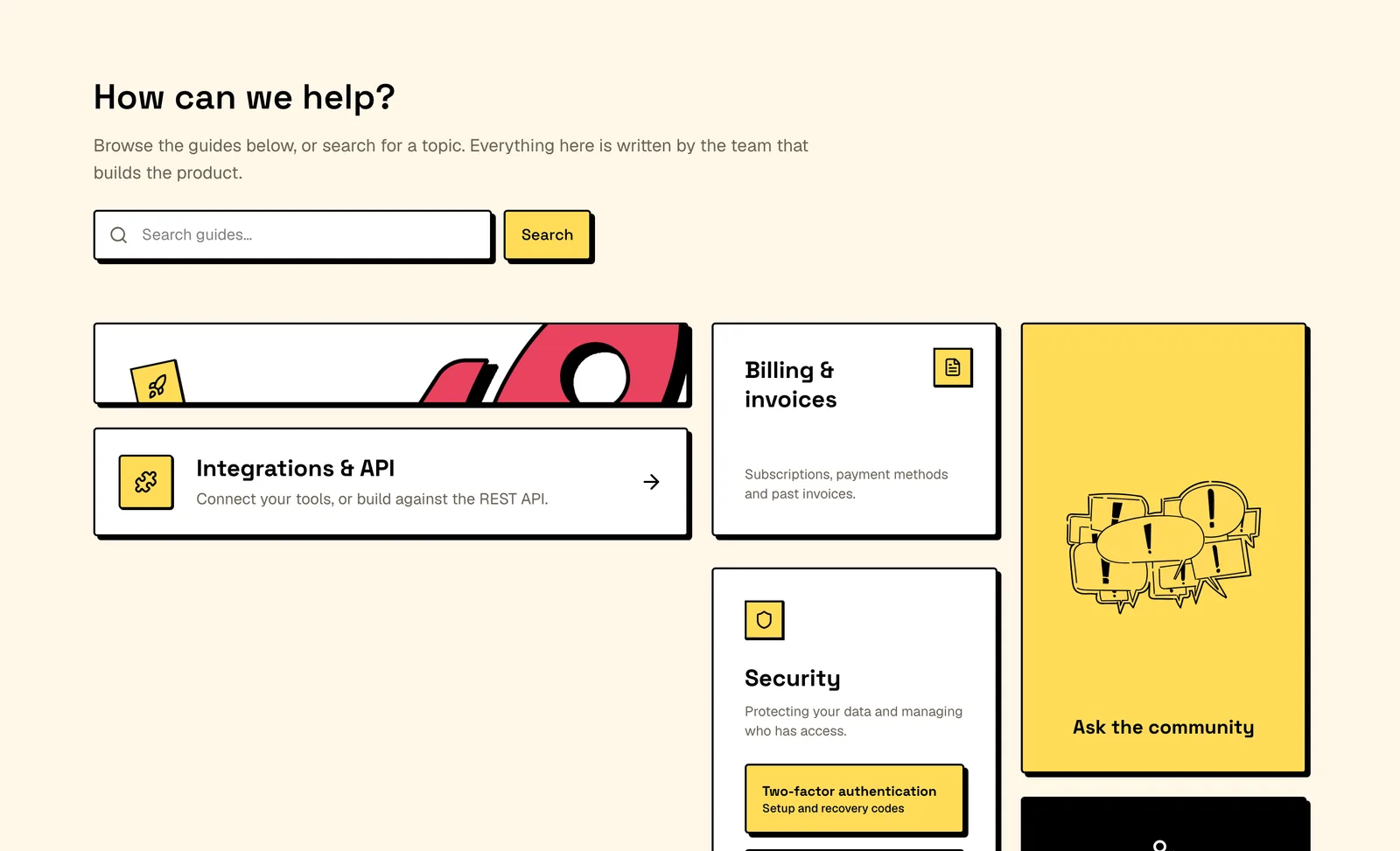
Help Center Bento Grid
Bento tiles route people to help articles instead of answering in place, under a real search form. React and Tailwind: point the form at your search route.
- 07Pro
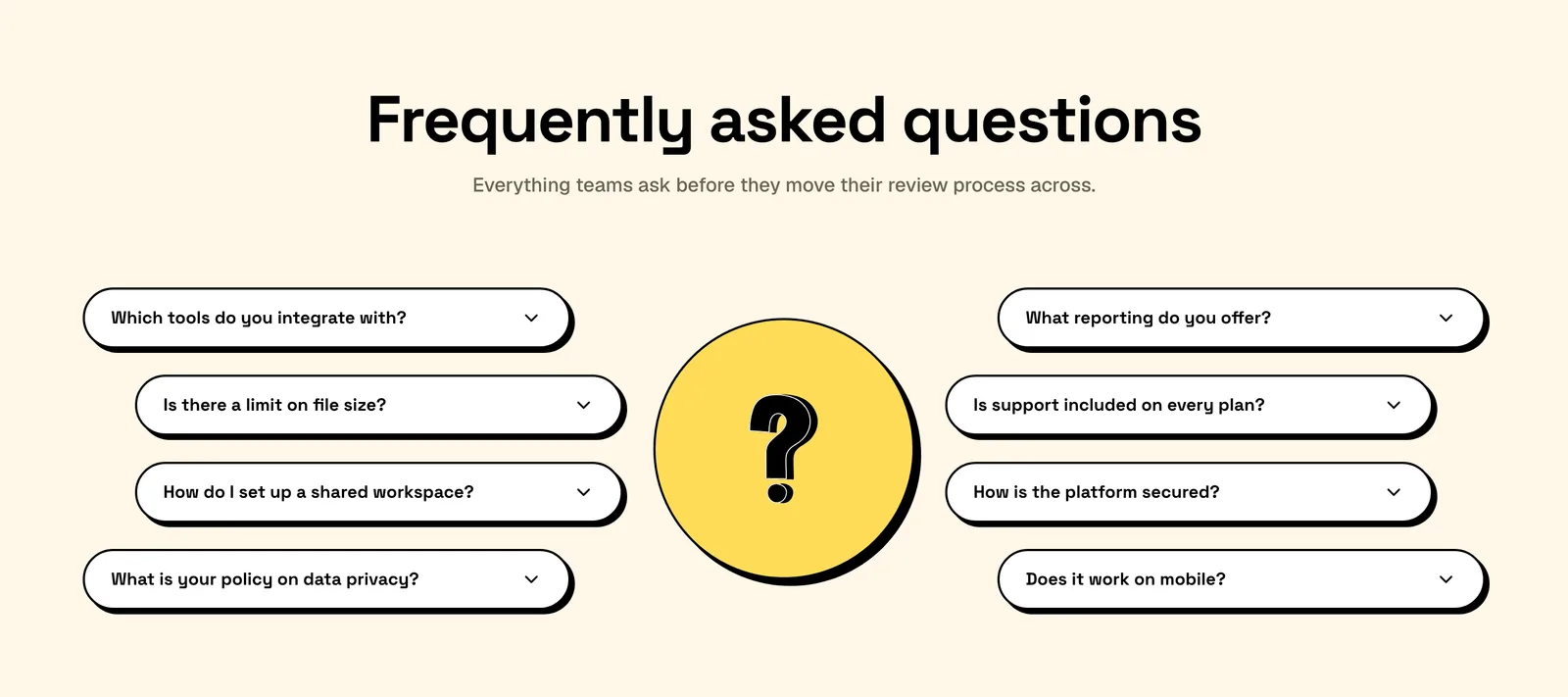
Pill Shaped FAQ Columns
Two columns of pill rows arc around a circular badge, and each pill squares into a panel as it opens. React and Tailwind: drop it under a landing page hero.
- 08Pro
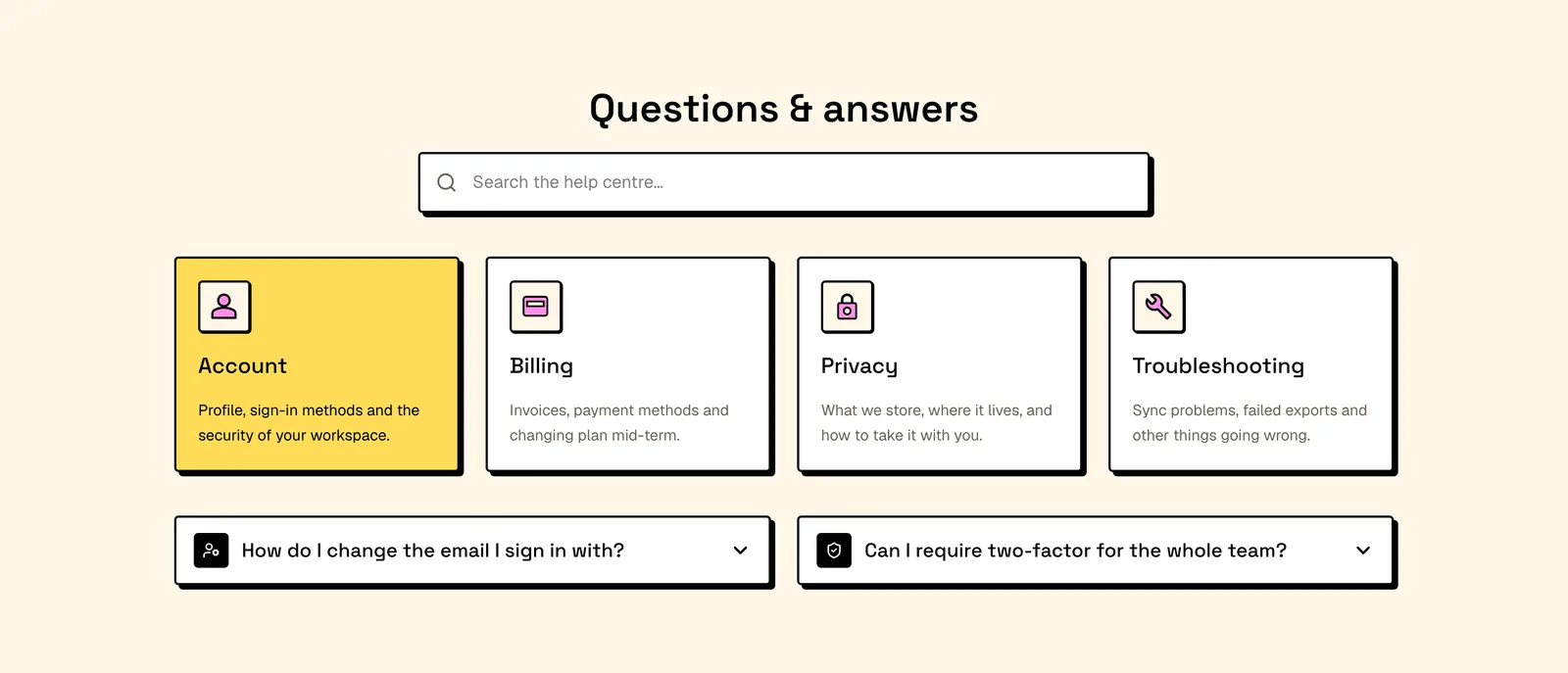
Searchable FAQ Categories
A search field narrows four category cards to a two column grid, with an empty state when nothing matches. React and Tailwind: paste in your question set.
- 09Pro
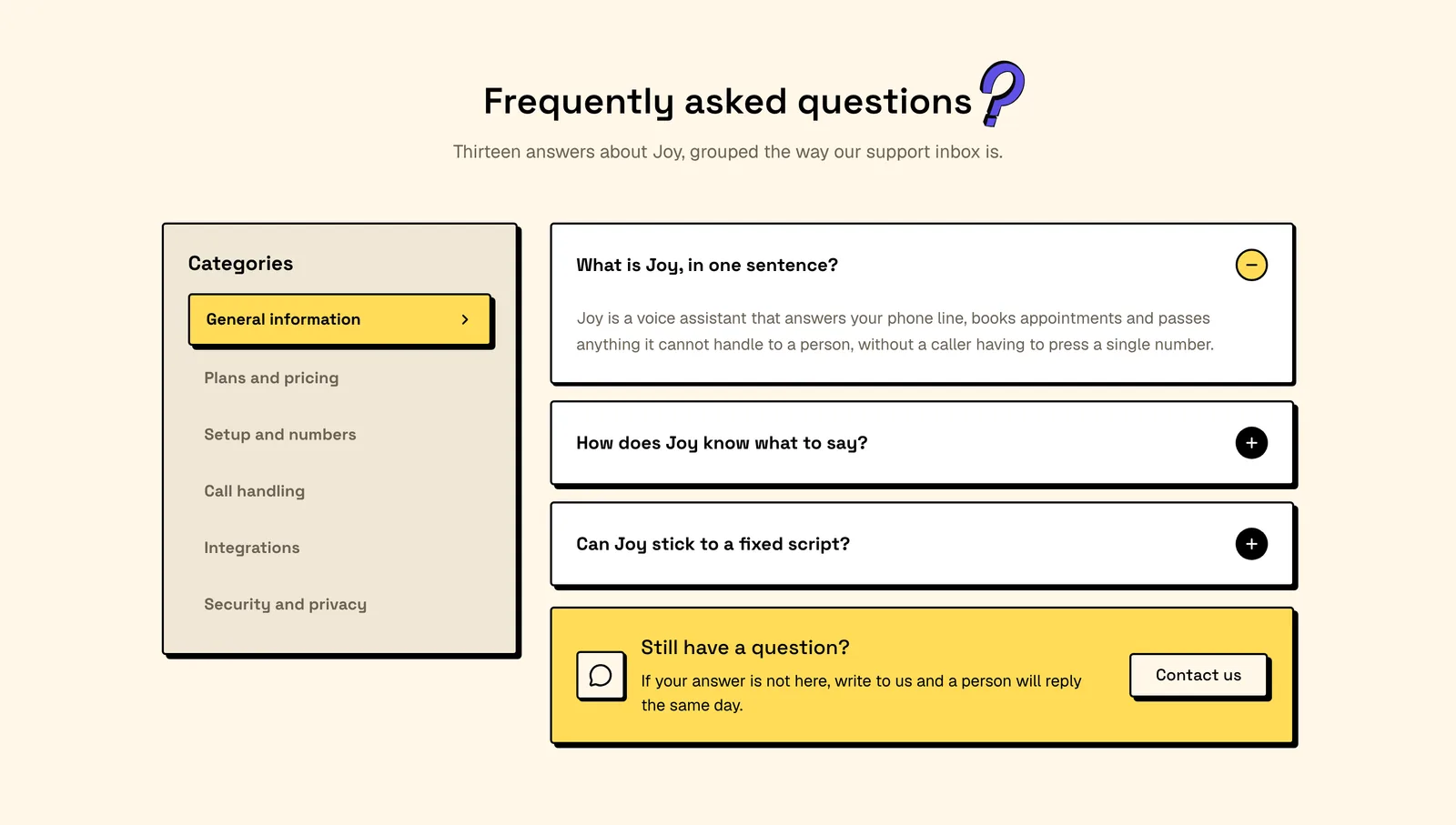
Sidebar Category FAQ
A six category sidebar swaps the answers beside it, keeping all thirteen of them in the page source. React and Tailwind: add your categories to the array.
- 10Pro
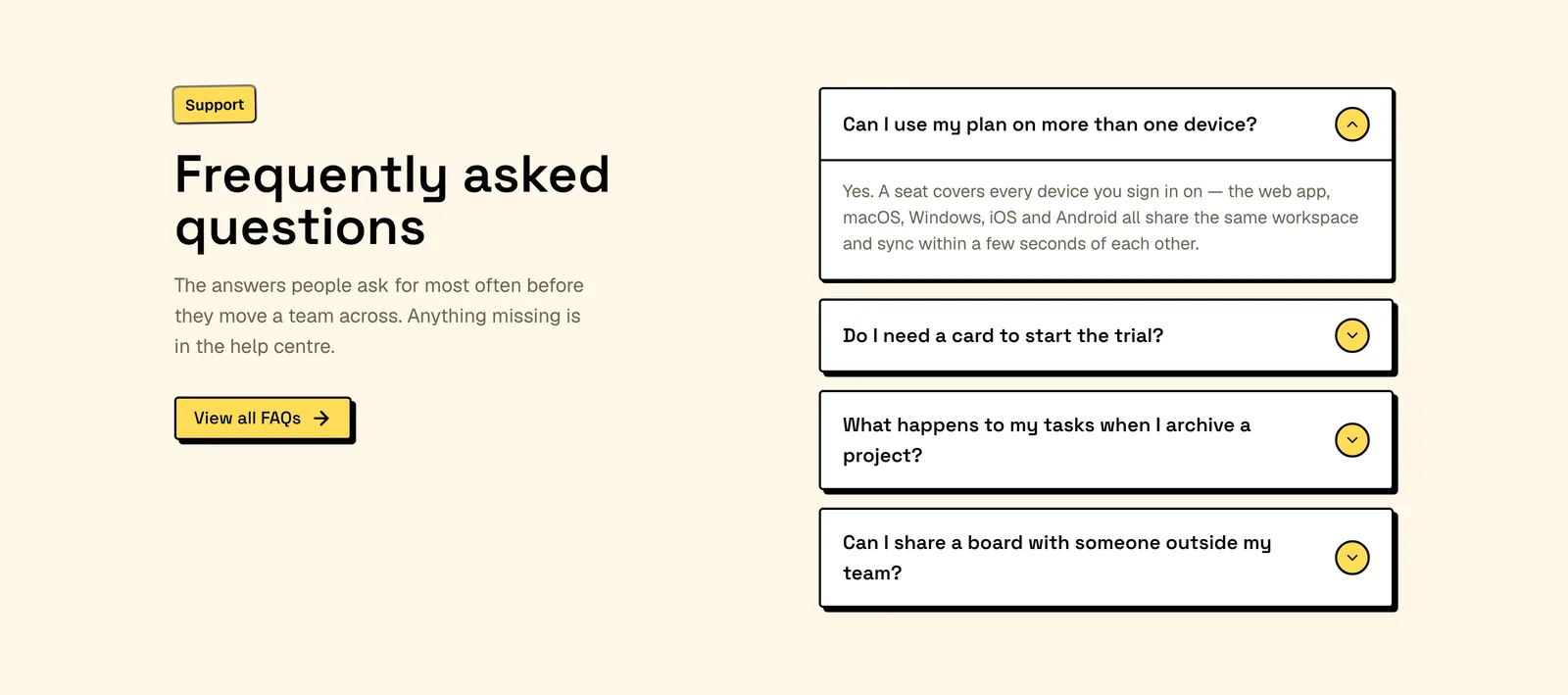
Two Column FAQ Accordion
A call to action stays pinned beside four native disclosure rows that need no client JavaScript. React and Tailwind: link the button to your help centre.
https://neobrutalism.com/blocks/faq/illustrated-faq-panel